This feature can either insert spaces into your file to make it easier to read, or it can remove spaces from your file to save file space. "Add Spaces" will add a space before every letter after G code. "Remove Spaces" will simply remove every space in the file. You can add spaces on screen only. Use the Separate commands options.
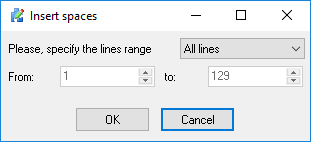
Fig.1 Add and remove spaces dialog box
Note:
•All of the above commands may by processed throughout all of the file, or a specified part of the file by using the "From" and "To" fields.
•Before processing a file the CNC Syntax Editor will offer you to create a backup copy of the current file.