This function allows the user to exchange the values of one coordinate address to another (fig.1). Most components of the Exchange axes dialog box are identical to those in the Shift dialog box.
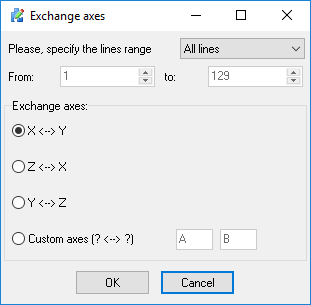
Fig.1 Exchange axes dialog box
Choose the axes you wish to exchange from the "Exchange axes", and click "OK". All of the incidences of the first address in a line will be changed to the second, and vise versa. You can exchange values between any axes. Just select "Custom axes" item from the "Exchange axes" group and type type your axes names.
Note:
•All of the above commands may by processed throughout all of the file, or a specified part of the file by using the "From" and "To" fields.
•Before processing a file the CNC Syntax Editor will offer you to create a backup copy of the current file.